Conversion Library Plus: Find What You Converted From Quattro Pro
Quattro Pro notebooks become modern spreadsheets. Conversion Library Plus is how you find the rate table again without opening every XLSX.
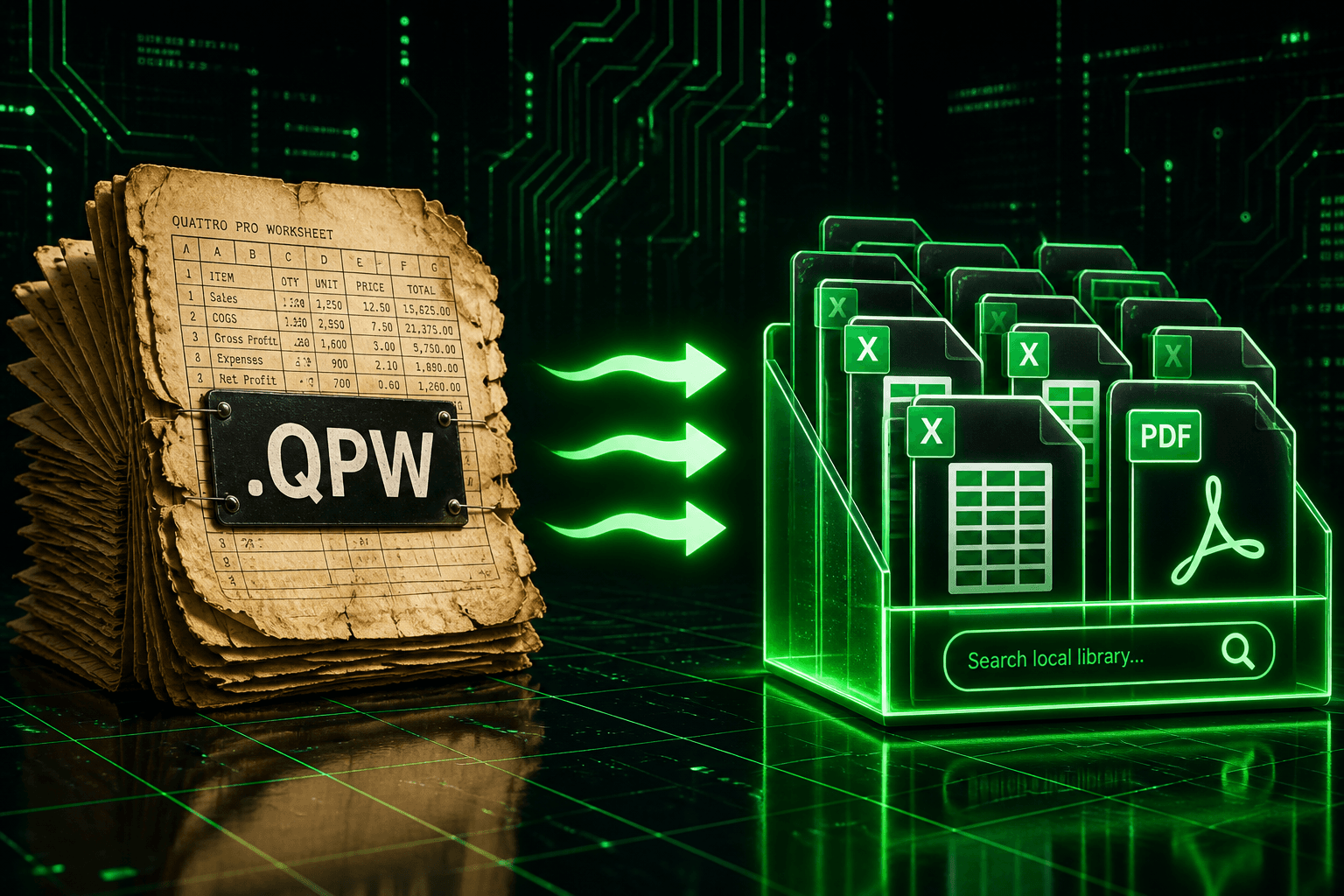
TL;DR
You converted the files. Now make them usable. Conversion Library Plus is your private library of the files you converted — search, preview, bookmark, and organize them on this PC. Nothing is uploaded. Standard converts .qpw and related Quattro Pro workbooks. Plus unlocks the library in the same MSI with a Plus key ($29.95 one-time).
The model is in Excel. The question is still buried.
Quattro Pro notebooks were built as working models: rate tables, scenario tabs, named ranges that only make sense if you already know the file. Quattro Pro Converter will write XLSX, PDF, and CSV into an output folder on this PC. That gets the grid out of .qpw. It does not tell you which converted workbook still holds the discount-rate assumption, or which PDF snapshot matches the live XLSX.
File Explorer will sort by date and name. It will not search a quoted phrase across a hundred converted notebooks. After a large batch, the archive is modern and still opaque.
A private library over the output folder
You converted the files. Now make them usable.
Conversion Library turns your output folder into something you can search and navigate — without leaving this PC. Conversion Library Plus is your private library of the files you converted — search, preview, bookmark, and organize them on this PC. Nothing is uploaded. The private library window is local navigation over folders you already own. It is not a shared model store and not a place files go to be hosted.
Point it at this week’s conversion output, or at an older tree you converted last quarter. Saved libraries let you keep both: rename the rail entries so "FY96 notebooks" and "current close" are obvious, pin the one you live in, and remove a library from the list when that project is closed. Removing the rail entry does not delete the workbooks.
Quoted phrases, Refine, and saved searches
The local full-text index reads converted XLSX, PDF, HTML, Markdown, and CSV. Search for a quoted phrase such as "discount rate" or a cost-center code and the hit list is the workbooks that actually contain it. Refine cuts the list by type or folder when "rate" alone is too broad.
Save the queries you rerun, every scenario tab, every notebook that mentions a closed entity, as named collections on that library. One click reapplies them. History on this PC records opens, indexes, conversion batches, saved-search runs, and review-pack exports, which is the audit trail of what you did in the library, not a network log.
Preview the sheet, bookmark the model, follow related files
In-app preview tabs open a converted notebook without launching Excel for every glance. Find-in-document stays in the tab you have open. Bookmark the models that still drive a close and put them in bookmark groups, "live rates," "archived scenarios," "PDF snapshots", so the next session starts from a short list.
Tags and the relationship graph are how files connect on disk: same folder, shared terms, a PDF next to the XLSX it was printed from. They are local navigation. They are not an analyst and they do not leave this machine.
Export a review pack instead of a share dump
When a reviewer needs the hits for one query, or the bookmarked rate tables, export a review pack. The library copies those files (relative paths preserved when it can) and writes index.csv plus summary.md. That is a bounded package. The rest of the converted notebooks stay in your output folder.
After convert: Open in Conversion Library
Conversion Complete offers Open in Conversion Library for Plus: index the new files and focus this batch. View output folder still opens Explorer. Always open Library after convert remembers the preference on this PC; the completion dialog stays up so the counts and the checkbox remain visible.
Welcome back appears when you open the library with no folder: Resume library on the last or pinned Quattro output, or Browse folder. Standard users see the Plus card and can still choose Just see the files. The library window itself waits for a Plus key.
Standard converts. Plus unlocks the library.
Standard converts the files. Plus unlocks Conversion Library so you can search and navigate what you converted. Same MSI, Plus key. Quattro Pro Converter Standard remains the converter for .qpw and related workbook extensions. The Plus add-on is $29.95 one-time and unlocks the private library on this PC.
A single notebook you already know how to find may not need Plus. A folder of converted models you expect to search for years is the reason the library exists.
What Plus adds on this PC
- Private library window over converted Quattro Pro output. Nothing is uploaded.
- Local full-text index with quoted phrases and Refine by type or folder.
- Saved libraries you can rename, pin, or remove from the rail.
- History of opens, indexes, conversion batches, saved-search runs, and review-pack exports.
- Saved searches as named collections on each library.
- In-app preview tabs, bookmarks and bookmark groups, tags and related files.
- Review pack export with index.csv and summary.md.
- Conversion Complete: Open in Conversion Library, always-open after convert, Welcome back / resume.
Keep the notebooks on this PC, and make the assumptions findable
Quattro Pro Converter already gets the grid out of .qpw. Conversion Library Plus is the private window over what you converted: search the rate table, preview the sheet, bookmark the live models, and leave the archive on this machine.
Convert your files
Related reading
Unlock Conversion Library Plus
Standard converts Quattro Pro files on this PC. The Plus add-on ($29.95 one-time) unlocks the private library so you can search and navigate what you converted. Same installer, Plus key.
Free trial
Full app features — up to 10 files
Windows 10 or 11
Download the Windows installer for the full 10-file trial. Same app you unlock with a license — 100% local on your PC.
Offline MSI · identical trial features